Advertisements
If you love games and are eager to explore a new online world, this guide is for you. We'll show you everything about Roblox, from how to get started to how to enjoy the game. You'll discover a universe where you can create and play without limits.
What is Roblox?
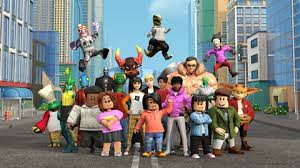
Roblox is more than a game, it's a phenomenon. Since 2006, it has won over millions of fans. Currently, it has more than 42 million active users per day. It's a meeting point for creativity and fun.
Advertisements
Roblox allows users to create and explore a multitude of games. It has over 15 million player-created experiences. People can develop their own games, making the community very innovative.
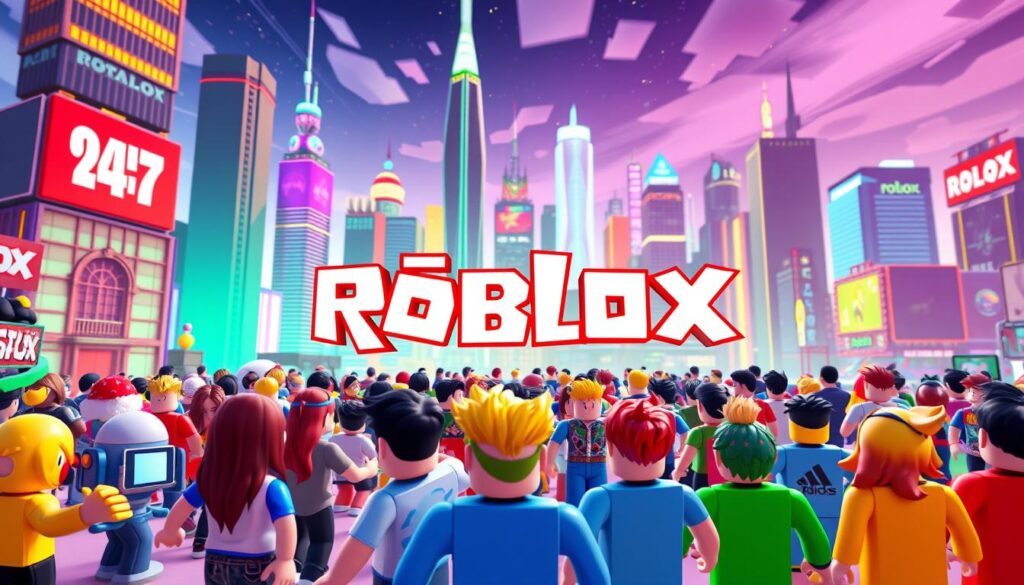
On this platform, people do more than just play games. They connect, collaborate, and compete in various activities. This makes the Roblox experience unique and social, helping the community to constantly grow.
How to create a Roblox account
Creating a Roblox account is easy and opens the door to lots of fun. First, visit the official Roblox website and select "Sign Up." That's it, you're ready to start your journey. Roblox registration.
When you click “Register,” choose a username that reflects who you are. Remember, this is how people will see you on the platform. You also need to provide your date of birth. This helps personalize your security settings.
Properly configuring your privacy is essential. This includes enabling two-step verification, which makes your account more secure. These additional steps help keep your account protected.
Once you've done that, you're ready to venture out and have fun on Roblox. Following these instructions, creating your account will be safe and easy.
Navigating the Roblox platform
Navigating Roblox is super fun for people of all ages. When you log in, you'll find everything easy to use. This helps you find new games. To start, click on "Games." There, you'll see various options like action and adventure.
If you want to find a specific game, use the search bar. Just type the name and you're done. If you prefer, check out the "Trending Games" to see the most played games.
Using filters also helps a lot. You can choose by age or game type. Roblox was designed for everyone to browse without problems. This way, you can find and play many different games.
Tips for exploring new games
To improve your Roblox experience, check out our tips on Roblox games. It's a good idea to keep an eye on ratings and comments from other players. This will help you choose the best games. The platform has many new games for you to discover. Browsing the categories can be a pleasant surprise.
Chatting in player communities is also a good idea. These conversations can show you cool games that you might not find on your own. Here are some tips for finding Roblox games that match your interests:
- Check out the trending games sections to discover the latest hits.
- Try playing different genres, such as adventure, action, and simulation, to see more options.
- Search for games by rating to find the coolest ones.
- Join Roblox gaming groups or forums to receive tailored tips.
Understanding the different types of games in Roblox
Roblox is a gaming universe with something for everyone. adventure games They take you to incredible worlds. You can face challenges, fight enemies, and solve mysteries. All this while your creativity soars in action-packed journeys.
In Roblox, the simulators They are highly sought after. They simulate life in cities or farms, for example. It's like a test of your skills in managing resources and interacting with virtual characters. This experience brings the game closer to reality and challenges your strategy.
RPGs are also a favorite, with engaging adventures and stories. In these games, you live as another character and embark on challenging missions. There's always something new to discover on Roblox, thanks to its vast variety of games.
How to customize your avatar in Roblox
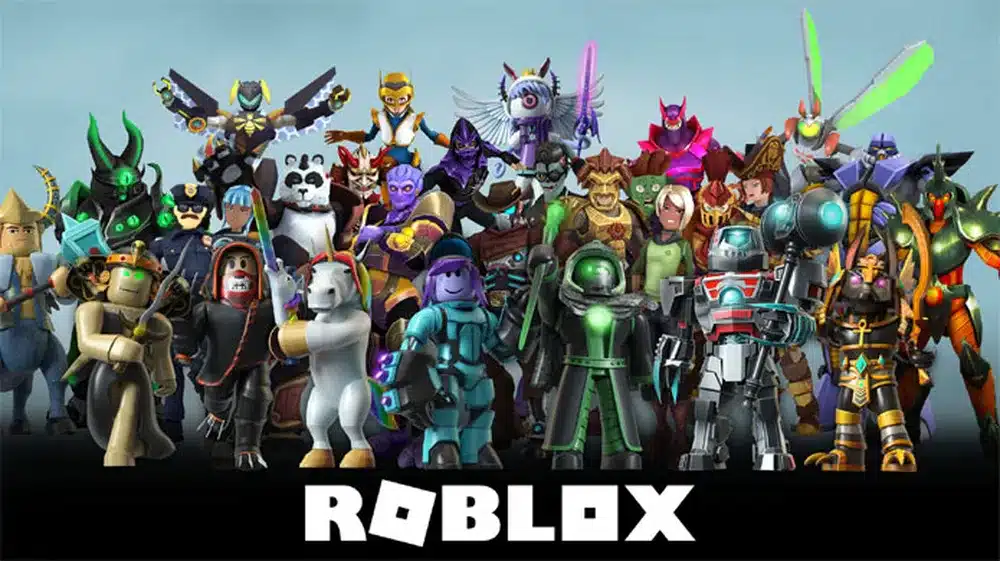
Customizing your avatar in Roblox is very important. It lets you show who you are in the game. You can choose from many clothes, accessories, and hairstyles. This way, you can make your avatar look exactly how you want it to.
If you want to know how to customize your Roblox avatar to look like you, follow these simple steps:
- Open the customization interface in your profile.
- See the various item categories, such as clothing and facial expressions.
- Choose the items you want for your avatar.
- Confirm your choices and see how it turned out.
Avatars in Roblox allow you to stand out and connect with other players. Using different items and unique combinations, you can express your feelings and style. This makes the game much cooler and more social.
Roblox: How to create your own games
Create games on Roblox It's super exciting and easy to get started. To begin creating games, it's vital to know the... Roblox Studio. This platform allows you to create fun scenarios, characters, and interactions. In this guide, we'll show you how to use this tool effectively.
Introduction to Roblox Studio
THE Roblox Studio It's essential for making games on Roblox. After downloading it, you'll see an easy-to-use interface. You'll be able to easily drag and drop items into the game. It's important to familiarize yourself with the available modeling tools.
Choosing a suitable game model
Node Roblox Studio, You can start with pre-made templates. There are many options available, such as "Obby," for obstacle games, and "Classic Baseplate," for those who want to start from scratch. Choosing the right template greatly helps in game development.
Implementation of game mechanics
Creating game mechanics is the most creative part. With the Lua programming language, it's possible to create complex and fun interactions. This stage is about writing code that defines how players will interact with the game. Mastering Lua is crucial for progressing in the game. game development on Roblox.
Security and privacy on Roblox
In Roblox, security and privacy are very important. Many actions are taken to keep players' information safe. This helps keep accounts protected and allows everyone to adjust their security settings.
Two-step verification is one such measure. It's a feature everyone should use. It adds an extra layer of protection, preventing unauthorized access to accounts.
Parents also play a crucial role in protecting children on Roblox. They can use parental controls to keep an eye on what their children are doing in the game. This prevents the sharing of dangerous personal data and limits interactions with strangers.
Another important tip is not to share personal information, such as where you live or your phone number. If we keep our data safe, Roblox will be a more fun and safe place for everyone.
Interacting with the gaming community
Talk to the Roblox community It's super important for players. Around 16% of players participate in groups on the platform. It's in this space that they exchange ideas, form teams, and create together. Being part of groups makes the game even more fun and interesting.
To succeed in the community, check out these tips:
- Join Roblox groups that are related to what you like.
- Be respectful of what others think and say, maintaining a positive atmosphere.
- Help others with your opinions to improve their creations.
Maintain the Roblox community Being friendly and inviting helps everyone. A simple act of kindness can strengthen friendships between players.
Tips for solving common problems
On Roblox, players may experience difficulties such as poor login and connection, as well as game performance issues. To improve these, it's helpful to follow these simple tips.
- Check your login credentials to ensure they are correct.
- Run an internet speed test to confirm that the connection is stable.
- Clear your browser or application cache to resolve loading issues.
- Update your device and the Roblox app to the latest version.
- Consider lowering some graphics settings if the games are running slowly.
If you're still having problems, Roblox support can help. They provide assistance in resolving technical issues, thus improving your gaming experience.
Conclusion
This Roblox guide showed everything beginners need to know. We talked about how to create an account, customize your avatar, and interact with the community. All this so that new players can feel confident and excited on the platform.
Roblox is a platform with many opportunities to create and play. It offers diverse ways to play and create. We show you how much you can get the most out of Roblox. And we highlight how important it is to interact with other players, making everything more fun.
As you finish this Roblox guide, remember that your adventure is just beginning. The lessons here will help you discover a world of creativity and fun. Keep exploring, creating, and having fun in one of the most vibrant gaming environments today.
FAQ
What is Roblox?
Roblox is an online platform that allows you to create, share, and play virtual games. It connects millions of players daily.
How do I create a Roblox account?
To create an account, visit the official Roblox website. Click on “Sign Up”, choose a username, create a password, add your date of birth, and adjust your privacy settings.
What avatar customization options are available?
You can customize your avatar with various outfits, accessories, and hairstyles. This allows each player to express their unique personality.
How can I navigate the Roblox platform?
To explore the platform, you can use the "Games" tab. It displays different categories, or you can search for specific games in the search bar. The interface is easy to use.
What are the game genres available on Roblox?
On Roblox, there is a wide variety of game genres. From adventures and simulators to RPGs, there are games for all tastes.
How can I report technical issues on Roblox?
First, check your login information and test your internet speed. If you need further assistance, Roblox offers support for technical issues.
What should I do to ensure the security of my Roblox account?
Enable two-step verification and adjust your privacy settings. Do not share personal information. Using parental controls is also a good idea to monitor children's activities.
Is there an active community on Roblox?
Yes, around 16% of Roblox users are part of groups. This facilitates collaboration on projects and the sharing of experiences. Maintaining respect is important for everyone.
What is Roblox Studio?
Roblox Studio is a tool for creating games. Users can use templates and the Lua programming language to make their games with complex mechanics.
What are the main problems that new players face?
New users often have trouble logging in or staying connected. Following the recommended instructions can help resolve these issues and improve your gaming experience.
Content created with Artificial Intelligence Assistance